
Frame the outcome fast
Lead with the core product promise so people understand the outcome before they hit the deeper content.
My AI Off helps you turn off Google AI Overview clutter, remove Meta AI entry points, hide AI videos on YouTube, and keep search, video, and social browsing easier to control.
 Effectively Hide Google AI Overviews and Restore Search Clarity
 How to Disable Meta AI Interface Blocks on Facebook and Instagram
 Mastering Your YouTube Feed: How to Filter AI Recommendations for a Clearer View
 Mastering Your Browser: The Unified Control Surface for Digital Efficiency
 Choosing Your AI Blocker: 'AI Off' Extensions vs. Targeted Tools
 My AI Off vs. uBlock Origin
My AI Off puts Google, YouTube, Meta, and Chrome AI surfaces behind clear switches, so the browser feels usable again.
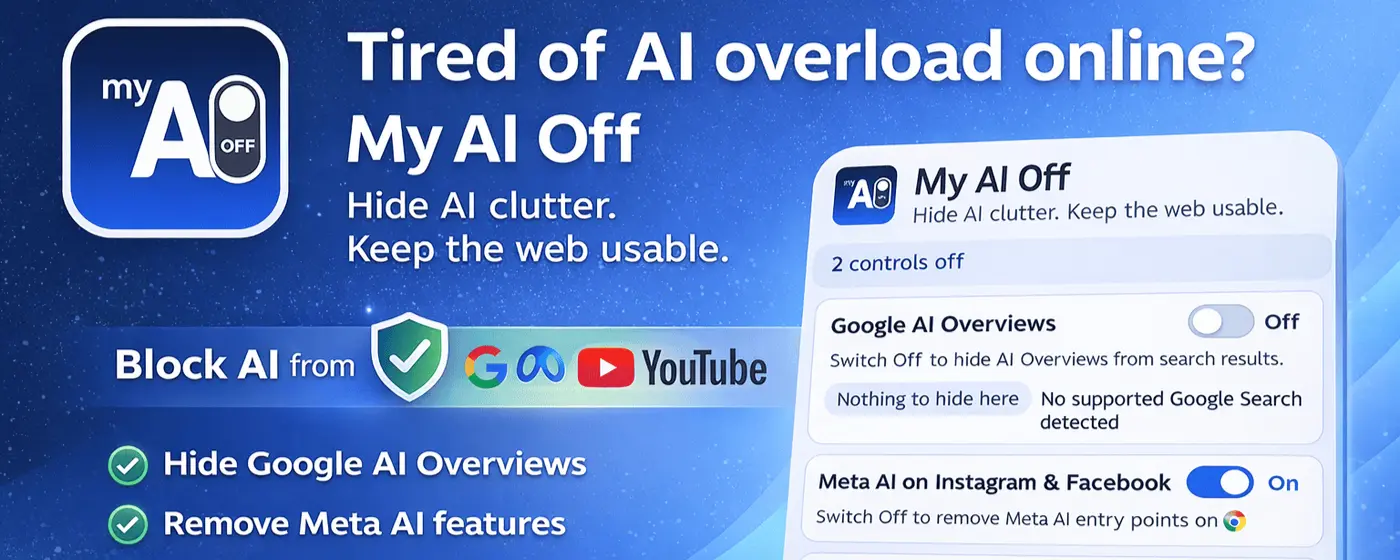
A fast path from problem awareness to product confidence.
Lead with the core product promise so people understand the outcome before they hit the deeper content.

Use-case sections should map the product to real scenarios and supported surfaces, not generic marketing copy.

Comparisons, guides, and hubs should come in as proof after the value proposition is already clear.
The page stays the same. The unwanted AI surface gets out of the way.
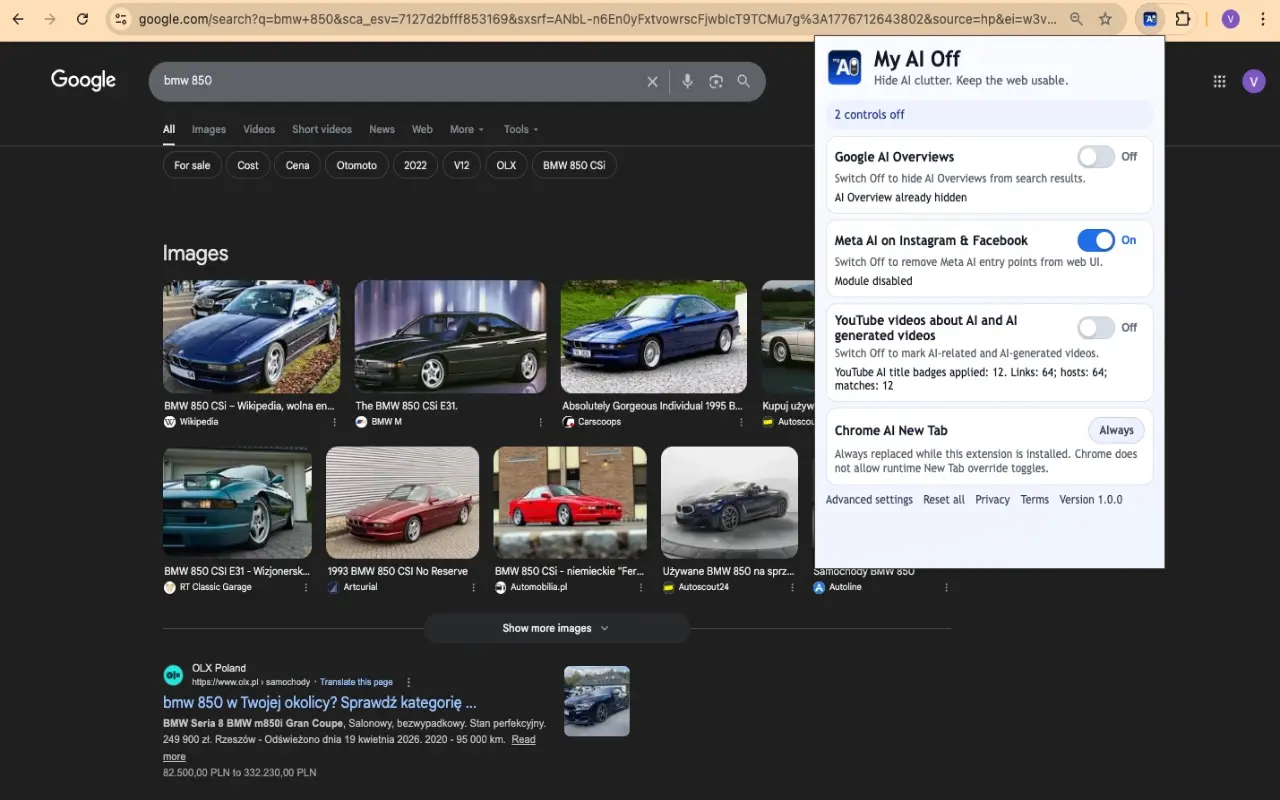
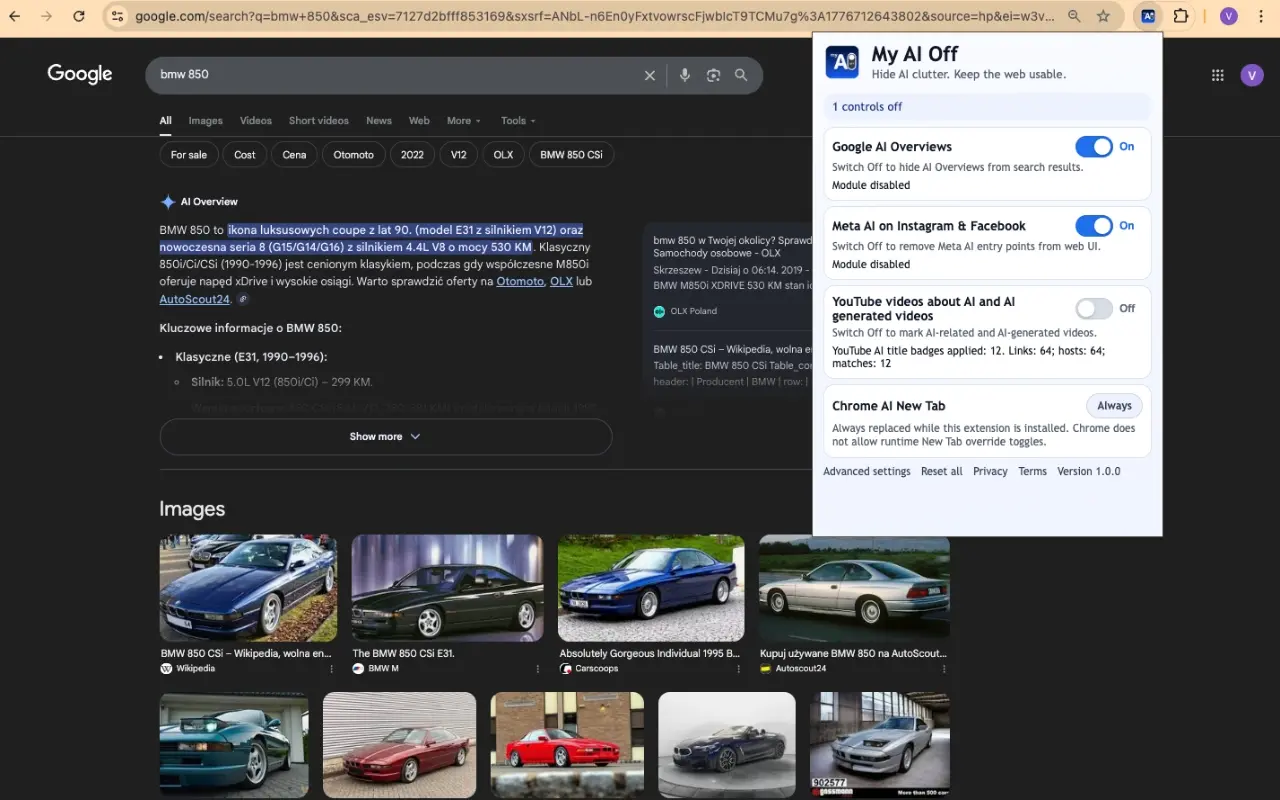
A stronger product story before we send you into guides, comparisons, and support content.
Bring multiple AI interruptions into one product decision instead of stacking separate workarounds.
Reduce interface clutter where it slows focus, comparison, reading, or browsing confidence around Hide AI clutter.
Use the supporting content below to validate fit, compare paths, and move toward action faster.


Switch between real surfaces and see how the same extension stays close to the browsing flow.
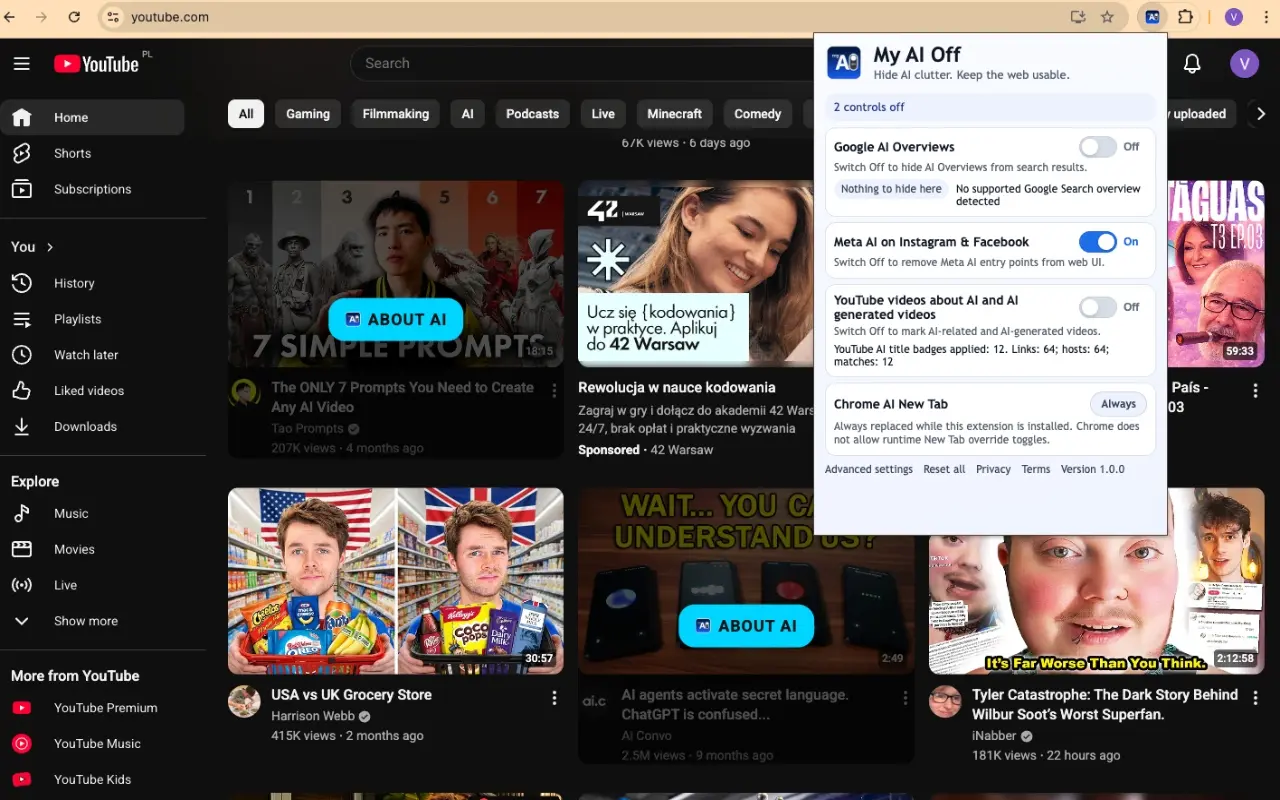
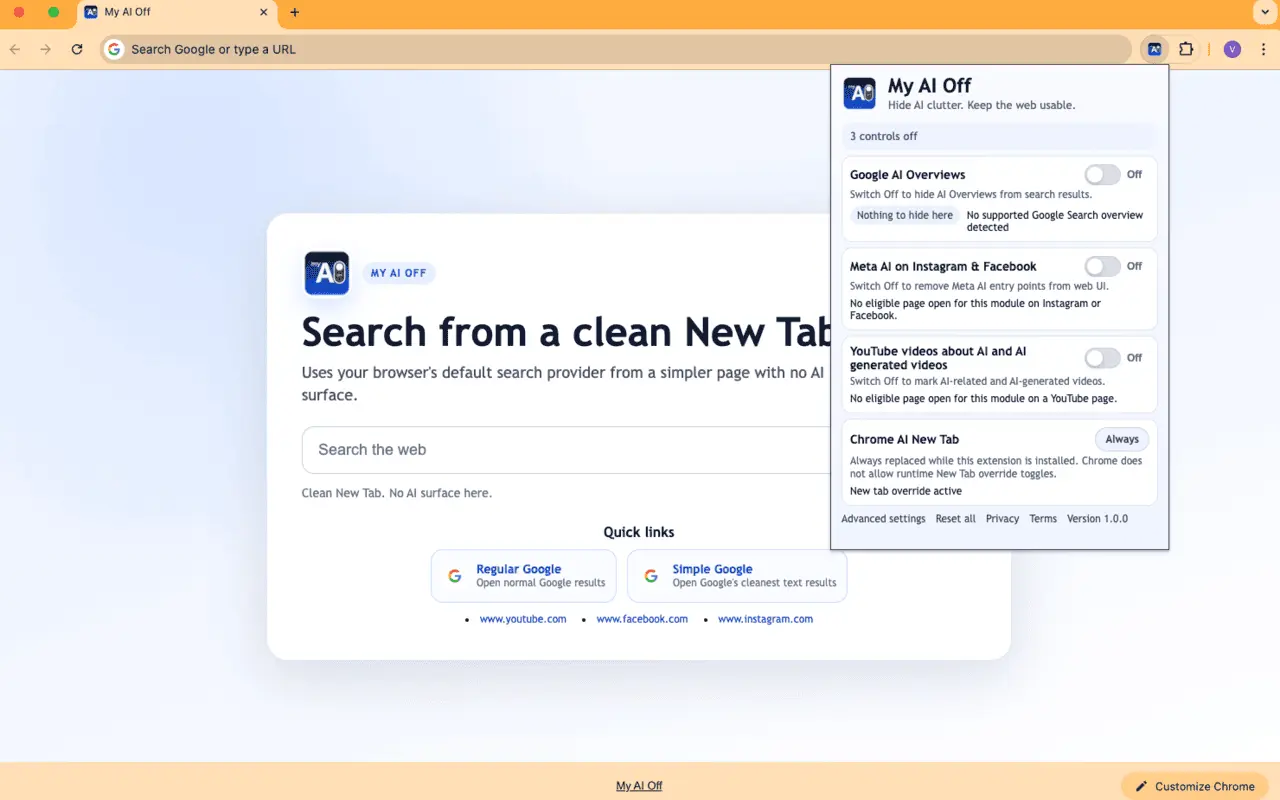
A compact proof layer after the visual sections, with a visual anchor instead of another dry text block.
The homepage should feel like a product landing with a strong visual plane, a clear promise, and content that supports the decision instead of overwhelming it.
The value proposition lands before people enter comparisons, guides, and resource rows.
Features, comparisons, blog, and guides reinforce the decision instead of replacing the landing story.
Pages should answer the key decision early, then justify it with evidence, trade-offs, and next steps.
Features, industries, comparisons, hubs, and blog content each solve a different search intent instead of repeating the same copy.
Every page should show what was reviewed, how it was compared, and why the recommendation can be trusted.
Once the core value is clear, jump into the content paths that support evaluation and adoption.

Core capabilities and practical implementation guidance.
Open guides
Side-by-side evaluation frameworks and decision criteria.
Browse comparisons
Topic hubs that connect money pages with supporting content.
Explore topic hubs
Research-backed articles with tactical next steps.
See blog guidesBrowse the latest features using the same homepage carousel layout.

Take control of your YouTube experience. My AI Off allows you to block AI content on YouTube, hide AI videos, and remove AI content from your feed for a.
Open featureLearn how to remove Meta AI, turn off Meta AI interface clutter, hide Meta AI entry points, and block Meta AI surfaces on Facebook and Instagram.
Open featureLearn how to hide AI videos on YouTube, block AI content on YouTube, mark AI-generated videos, and reduce AI-generated content in your feed.
Open feature
My AI Off empowers you to search Google without AI Overviews, removing clutter for focused research. Enjoy a Google no AI search with cleaner, faster results.
Open featureLearn how to turn off Google AI Overview clutter, remove AI Overview from Google Search, disable AI Overview surfaces locally, and restore cleaner search results.
Open featureDiscover how a unified control surface in browser extensions streamlines managing AI clutter and digital settings, enhancing your browsing focus and control.
Open featureBrowse the latest comparisons using the same homepage carousel layout.

Compare strategies for reducing digital clutter and AI interference. Decide if targeted AI blocking or broader minimalist tools best suit your browsing needs.
Open comparisonCompare comprehensive 'AI Off' browser extensions with targeted AI blockers to reduce AI clutter on search, video, and social platforms and regain browsing.
Open comparison
Compare My Ai Off and uBlock Origin for browser control. Discover how they tackle AI clutter versus traditional ads and trackers to enhance your online.
Open comparisonDecide between My AI Off for AI content clutter or uBlock Origin for ads and trackers. Learn when to use each-or both-for cleaner browsing. Practical.
Open comparisonBrowse the latest guides using the same homepage carousel layout.
Gain browsing control by removing intrusive AI overviews, recommendations, and search clutter. Discover effective browser extensions and strategies for a.
Open guide
Take charge of your browser by mastering customization options. Learn how to tailor your online environment for enhanced focus, privacy, and control.
Open guide
Reclaim your online focus and reduce AI-driven distractions. Learn practical browser control strategies, tools, and extensions for a calmer, more productive.
Open guide
Discover practical methods to remove AI Overview from Google Search, disable Google AI Overview, and restore focused, traditional search results. Reclaim.
Open guide
Learn to remove Meta AI from Facebook and Instagram, disable its interruptions, and block unwanted content for a cleaner social media experience.
Open guideBrowse the latest blog using the same homepage carousel layout.

Understand why Google AI Overviews appear in your search results and learn effective methods, including browser extensions, to remove them for a cleaner Learn t
Open article
Master your YouTube feed by filtering out AI-driven clutter. Learn practical strategies, discover powerful browser extensions, and regain control over Learn the
Open article
Learn effective methods to hide Google's intrusive AI Overviews, from browser extensions to custom search engine settings, and regain control over your Learn th
Open article
Distinguish My AI Off and uBlock Origin to select the right browser extension for specific AI content reduction, comprehensive ad blocking, or both. Learn the s
Open article
Remove intrusive Meta AI elements from Facebook and Instagram using browser extensions. Restore your feed and regain browsing control. Practical guidance Learn
Open article
Discover the hidden costs of AI-driven browser clutter and learn practical steps to restore focus, improve browsing control, and enhance digital well-being.
Open articleBrowse the latest use cases using the same homepage carousel layout.

Hide AI videos YouTube recommendations, block AI-generated content during study sessions, remove AI content from learning feeds, and keep recommendations focused.
Open use case
Use My AI Off for Google without AI-style clutter, Google no AI search workflows, cleaner text-first results, and fewer AI Overview interruptions.
Open use case
Navigate Google with clarity and focus. Learn how to search Google without AI clutter, restore clean search results, and get text-only information quickly.
Open use case
Remove Meta AI from Facebook and Instagram, turn off Meta AI clutter where possible, hide Meta AI entry points, and keep social feeds calmer.
Open use case
Frustrated by AI content on YouTube? Discover how to effectively block AI content on YouTube, filter your feed, and enjoy youtube without ai videos. Easily.
Open use caseGet new insights by email. We send only useful updates.